← Getting Started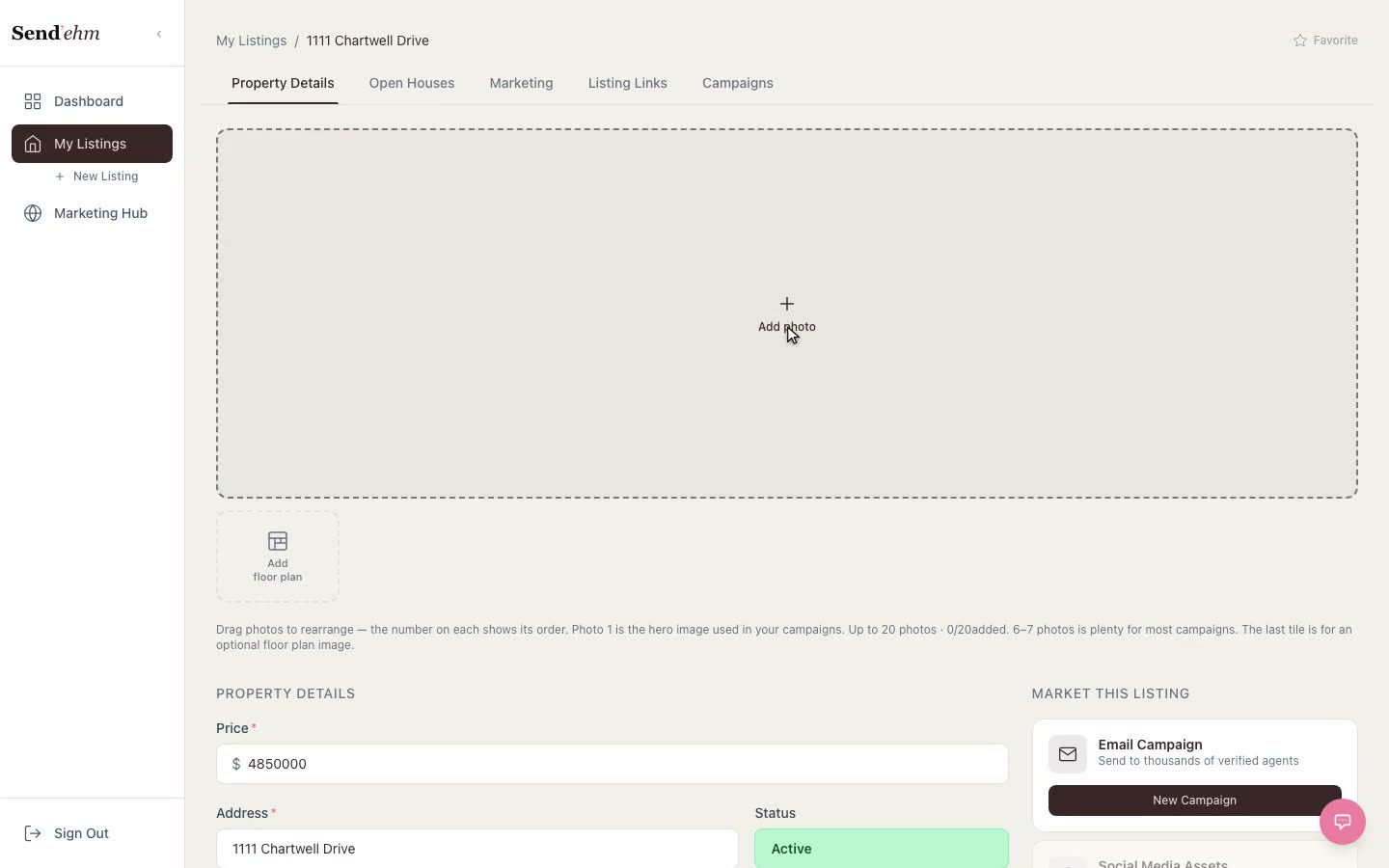
Start by adding your listing, then build the campaign from it.
How do I send my first campaign?
Add a listing, build the email, choose a city, reserve a slot, and confirm, all in about five minutes.
Your first campaign takes about five minutes from start to scheduled.
- Add your listing: address, price, photos, and highlights.
- Open the editor and start from a template, then change any block to match your listing.
- Choose the city of agents you want to reach. You'll see the verified contact count and exact cost before you commit.
- Reserve a send slot (a date and time).
- Review the confirmation screen, check the two boxes, and confirm. Nothing goes out until you do.
You're charged only at the moment you confirm, based on the deliverable contact count for the city you chose.
Still stuck? Email support@sendehm.com.